Lost Your Android Phone? 5 Essential Steps to Protect Your Data Immediately
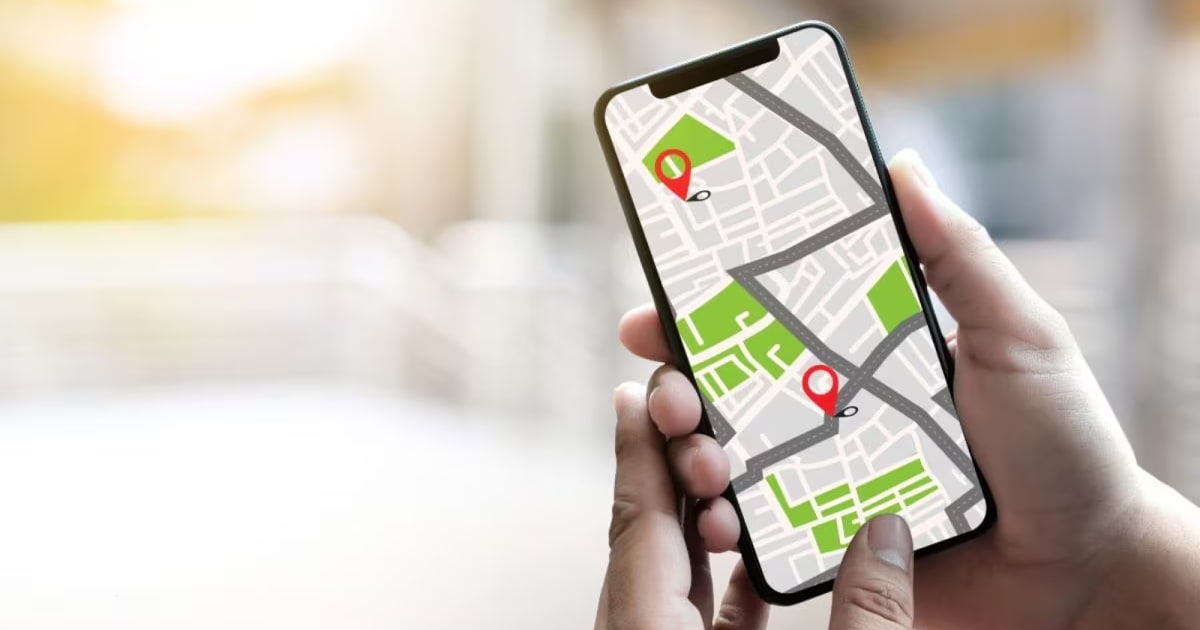
Smartphones are no longer just for calls and messages. From making payments and booking cabs to storing personal photos and banking apps, your phone holds critical data. Losing it can disrupt daily life — and more importantly, put sensitive information at risk.
The good news is that Android devices come with built-in security tools designed to help users track lost phones and protect their data. With the right settings enabled, you can remotely secure your device in minutes.
Here are five essential steps to follow if your Android phone is lost or stolen:
1. Use Find My Device to Locate Your Phone
Find My Device (also known as Find Hub) is Google’s official tracking tool built into Android smartphones.
If enabled, it allows you to:
Locate your phone on a map
Play a sound to help find it nearby
Lock or erase the device remotely
You can access it via another phone or by visiting the web version and signing into your account.
2. Make Sure Device Tracking Is Enabled
To activate tracking:
Open Settings
Go to Security & Privacy
Ensure location services and device tracking are turned on
This feature is not always enabled by default, so it’s important to check in advance.
3. Enable Remote Lock Immediately
One of the most important tools is Remote Lock. It allows you to secure your device screen even if someone else has it.
You can access this feature through Find My Device or by visiting:
android.com/lock
Enter your phone number linked to the device to lock the screen remotely without needing to sign in again.
4. Understand the Conditions for Remote Lock
Google notes that:
The device must be connected to the internet for Remote Lock to work
The feature can be used up to twice per day
It works on both mobile and desktop browsers
If your phone is offline, the lock command will apply once it reconnects to the internet.
5. Act Quickly to Prevent Data Misuse
The faster you enable tracking and remote locking, the lower the risk of misuse. Acting immediately reduces the chances of unauthorised access to:
Banking apps
Social media accounts
Personal photos and files
Saved passwords
If recovery seems unlikely, you may also consider remotely erasing the device to fully protect your data.
Why This Matters
Losing a smartphone is stressful — but losing control of your data is worse. Android’s built-in security tools provide a safety net, but they only work if properly configured beforehand.
Taking a few minutes today to enable tracking and Remote Lock could prevent serious consequences later.